Trusted by forward-thinking teams at

Make Formwork Design Feel Like a Game..... Form-CAD is a specialized AutoCAD plugin created by experienced formwork designers who know the industry from the inside out. With powerful, intuitive tools, Form-CAD takes the complexity out of formwork, falsework, and scaffolding design—reducing drafting effort and helping you create complete, professional designs faster and with ease.
Only Pick FC Tool , Place it on your version of autocade .
Every feature is designed to reduce friction and surface what matters. No bloat, no configuration maze.
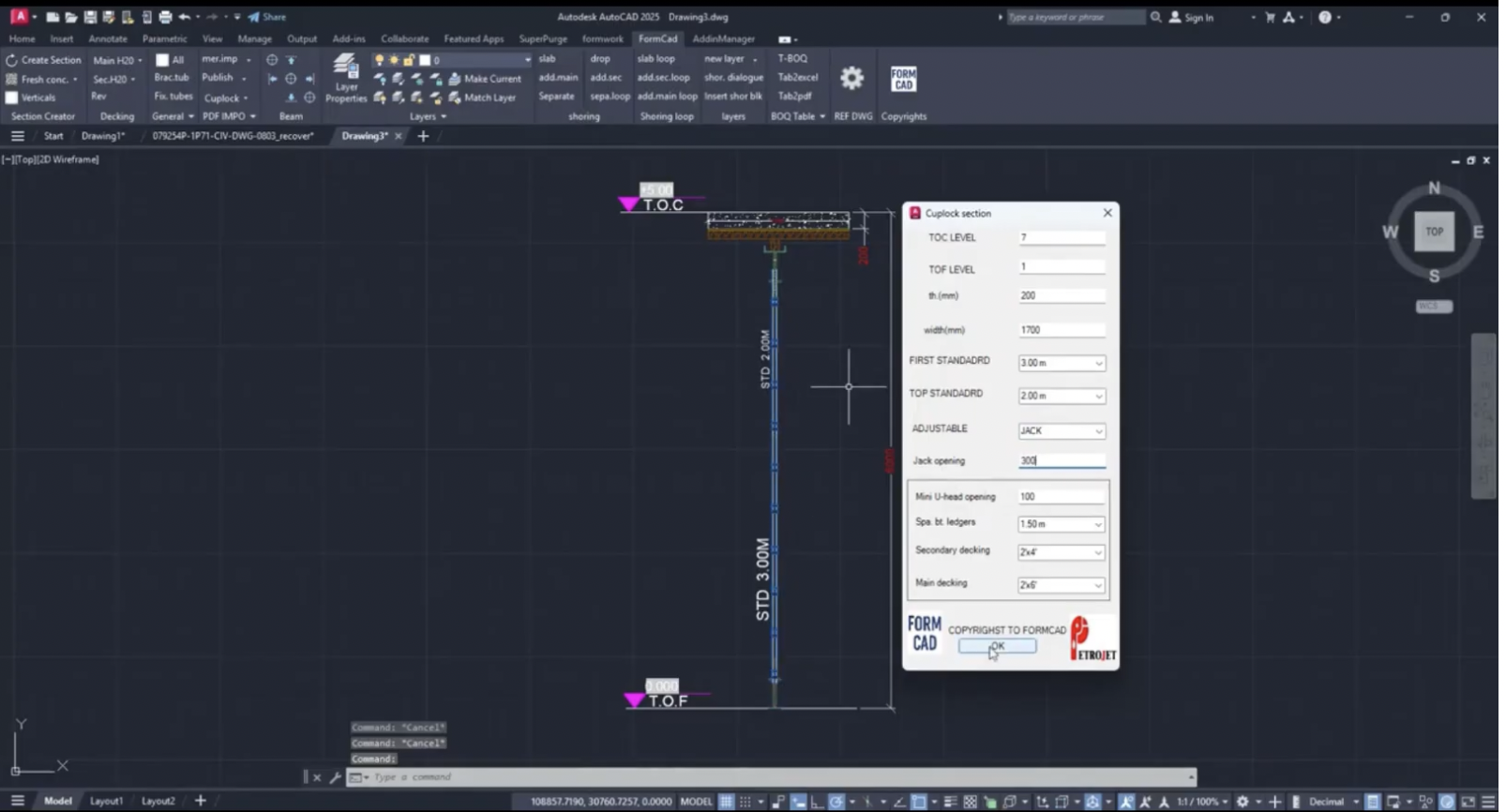
Automatically generated the shoring arrangement instantly for any modular & frame system (eg. cup lock, ring lock, frames...) creates shoring sections with automatic vertical placement, supporting multiple slabs at once.
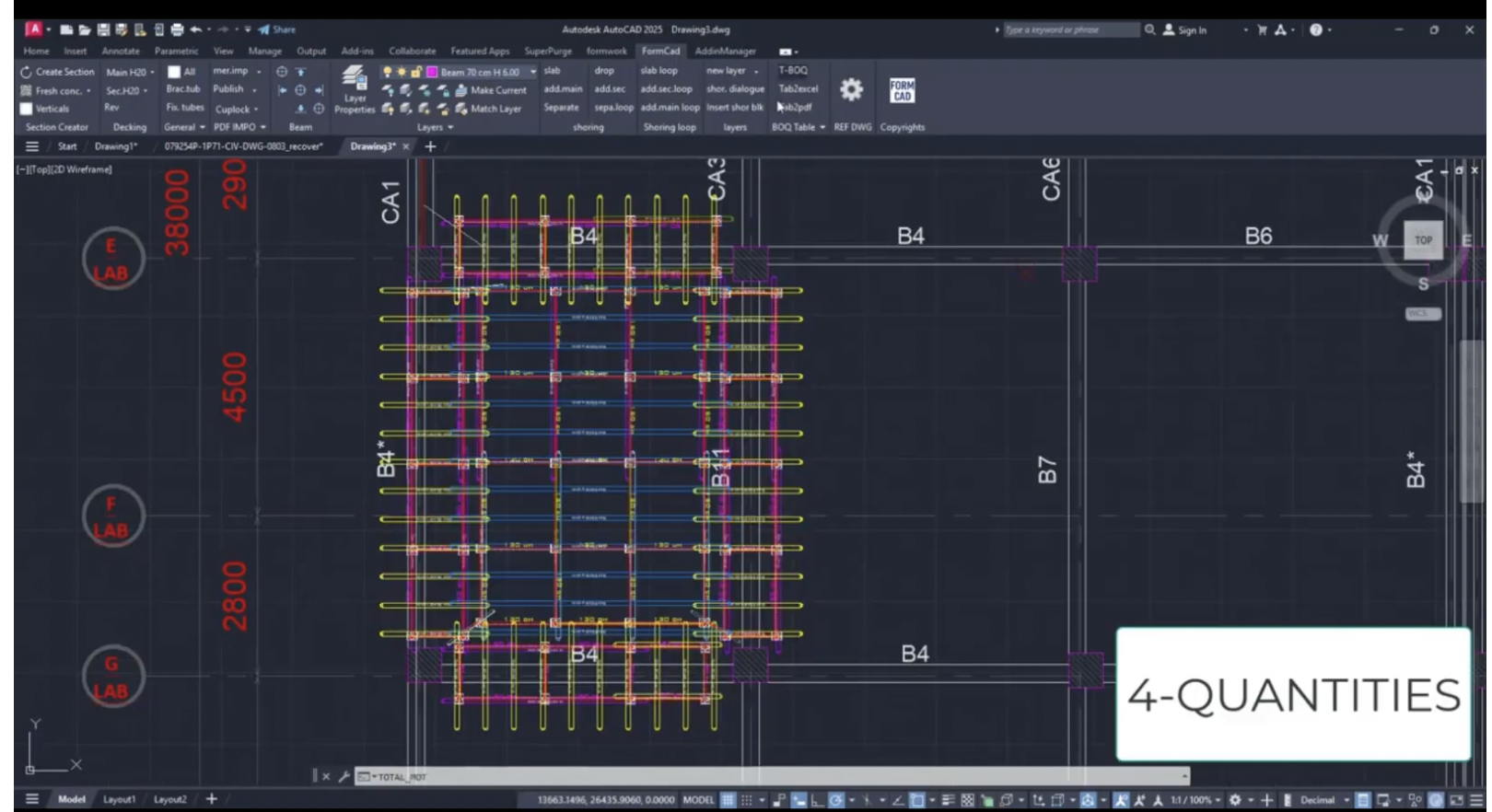
Automatically generates complete material lists for all Form-CAD-supported formwork, falsework, and scaffolding systems in seconds, with seamless export to AutoCAD tables, Excel, and PDF.
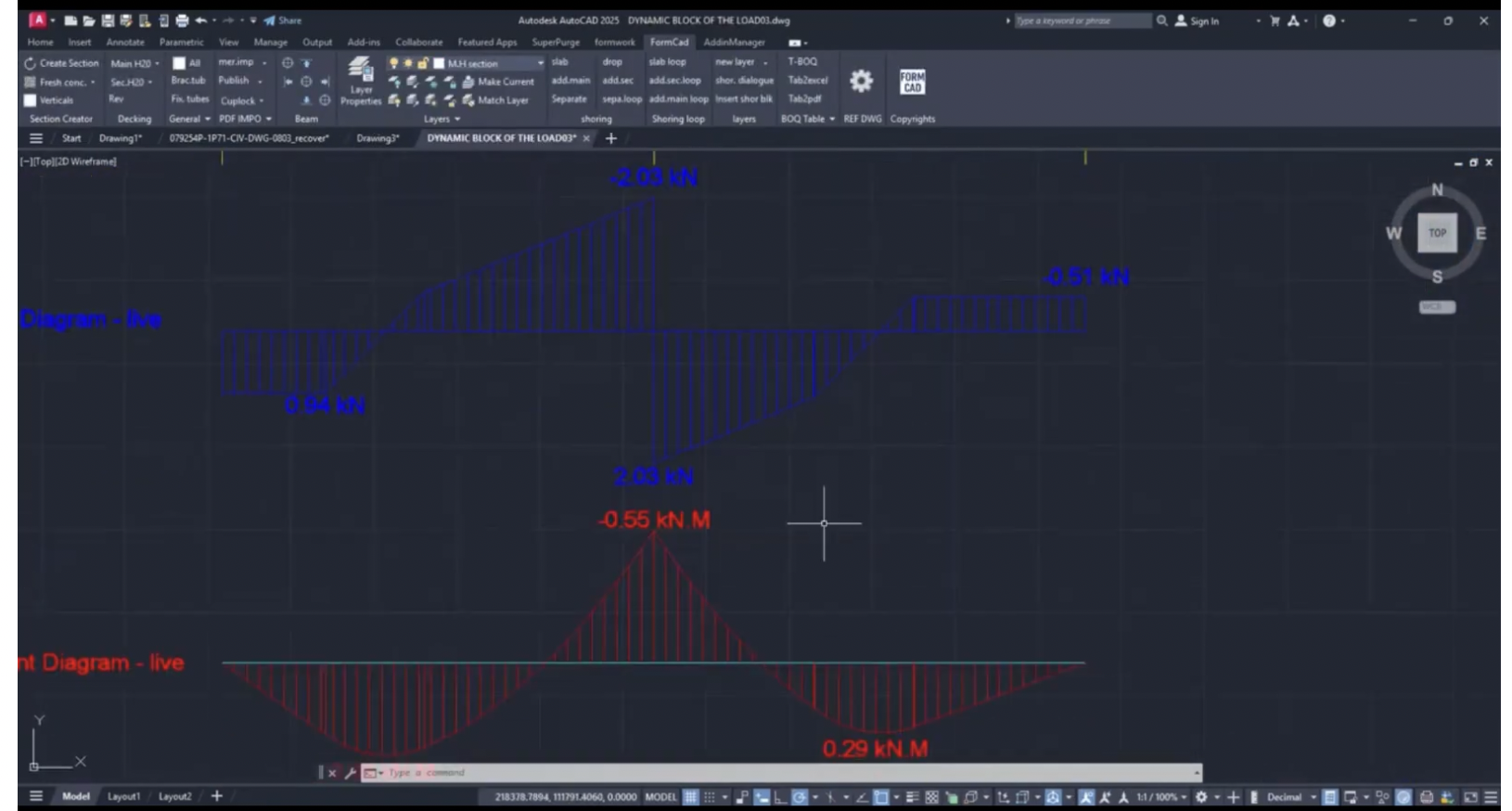
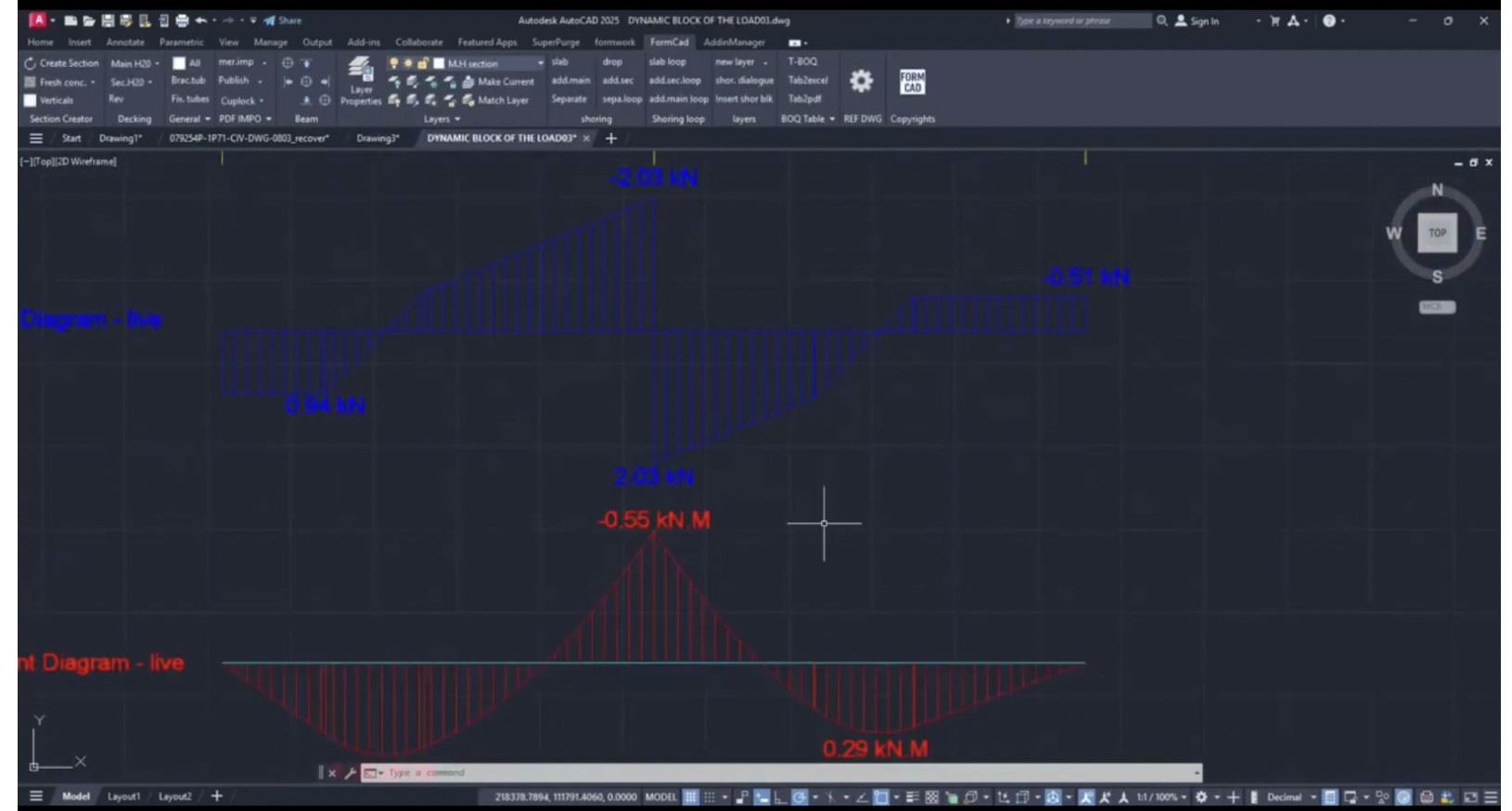
Defines beam loads—including point, uniform, and trapezoidal loads—and hinge conditions, then performs structural analysis and automatically plots moment, shear, and deflection diagrams with results values directly in AutoCAD.
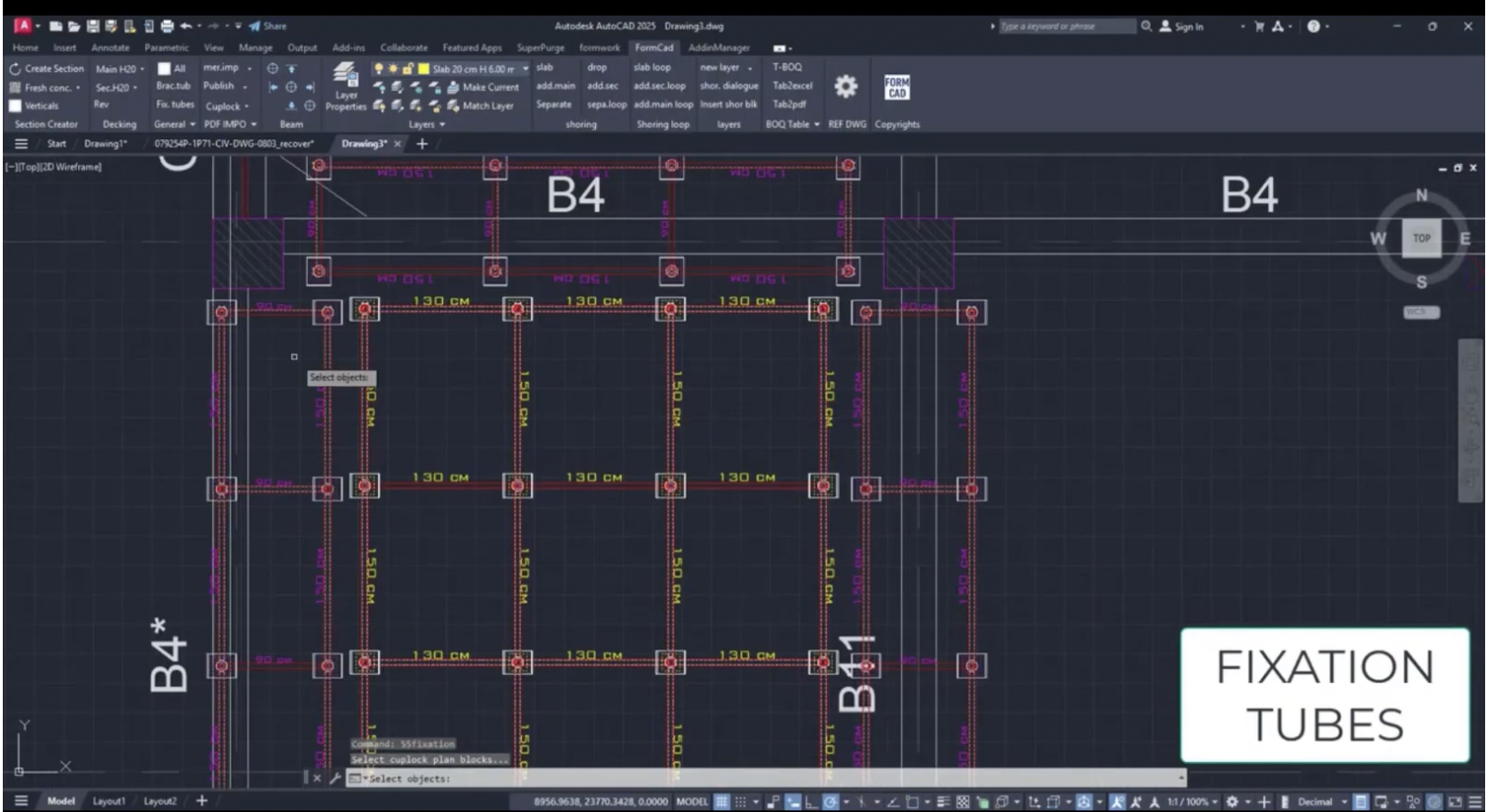
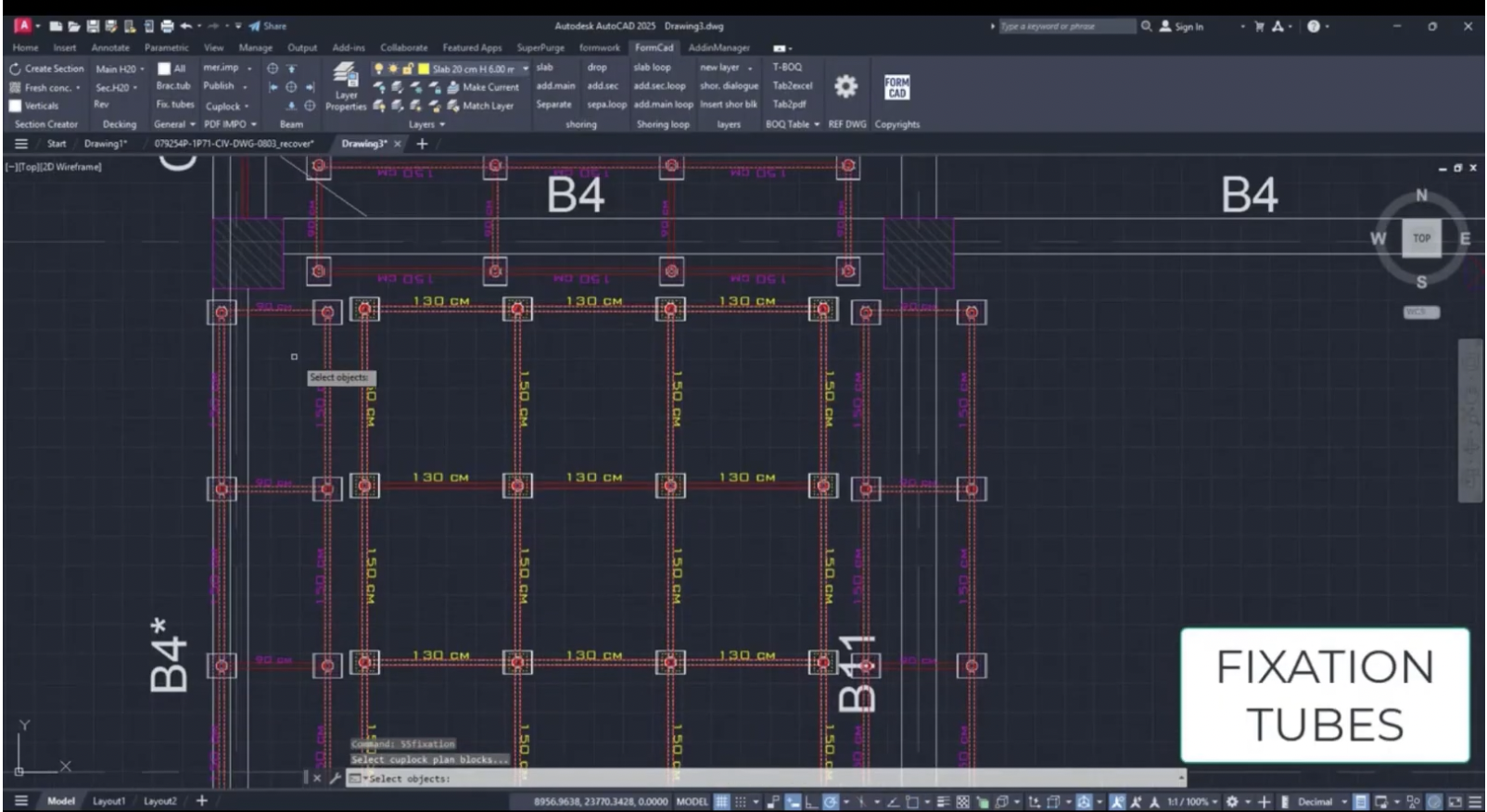
Instantly places formwork panels using any required system in one click, with advanced tools for adding accessories.
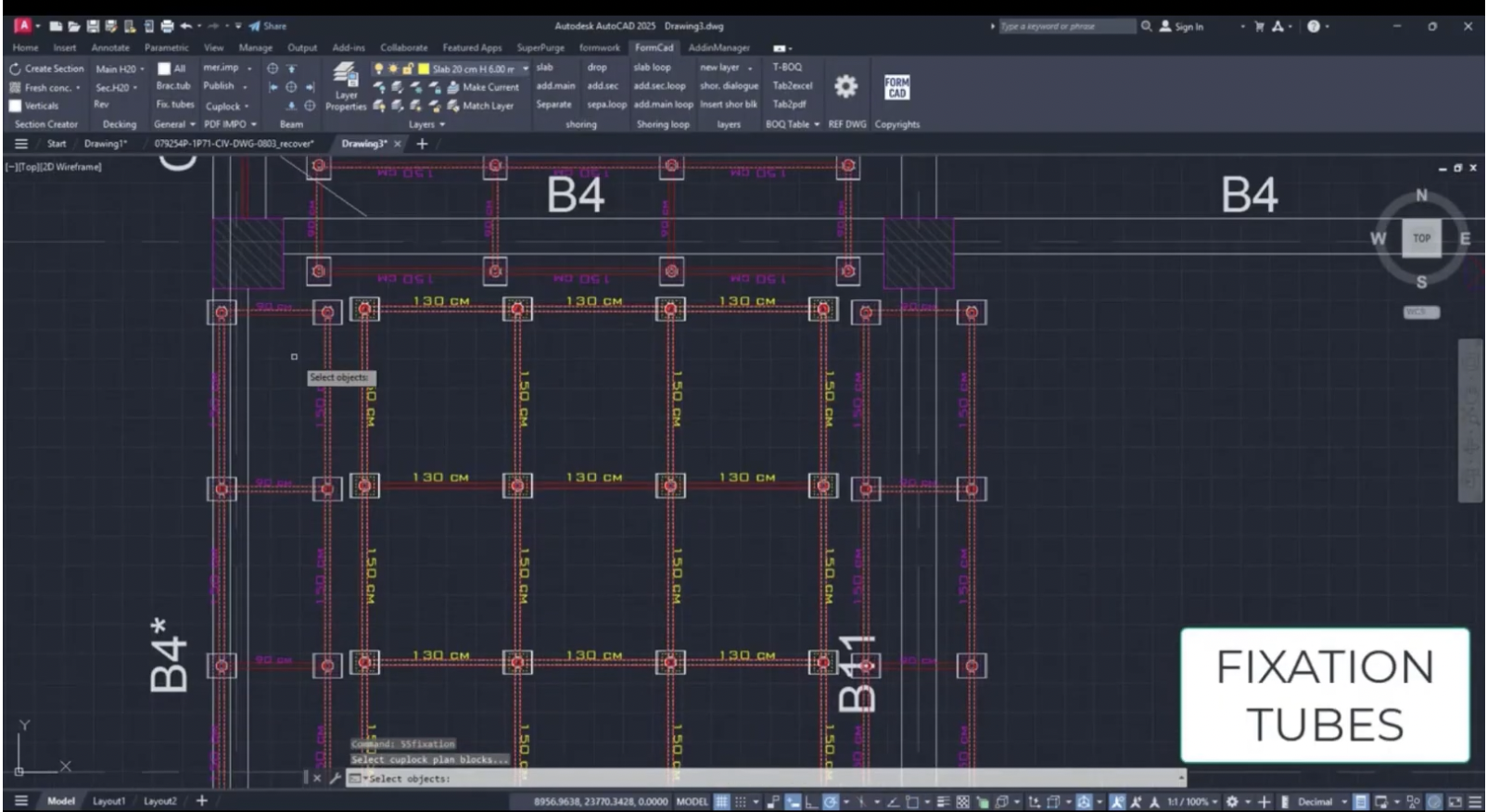
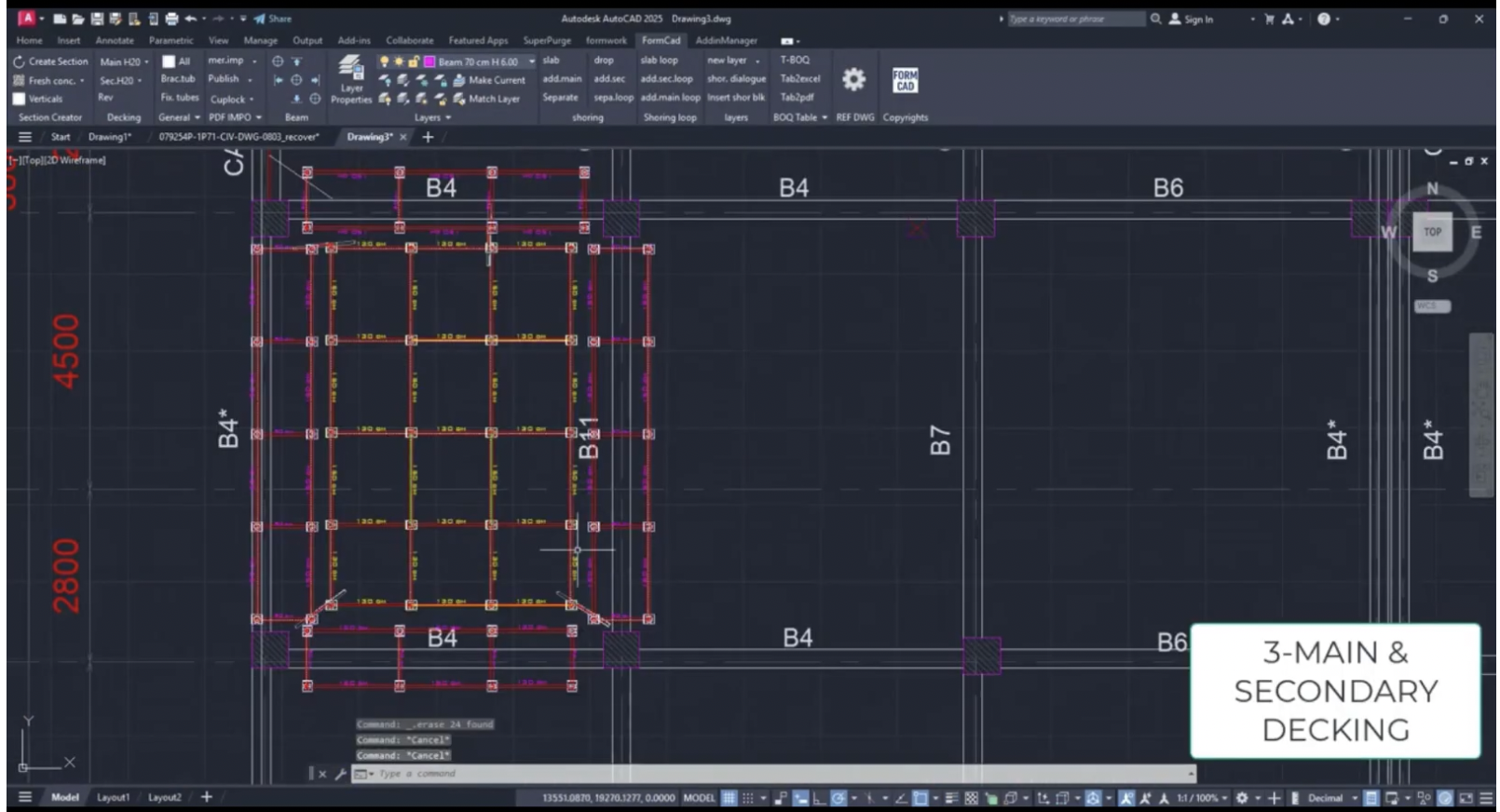
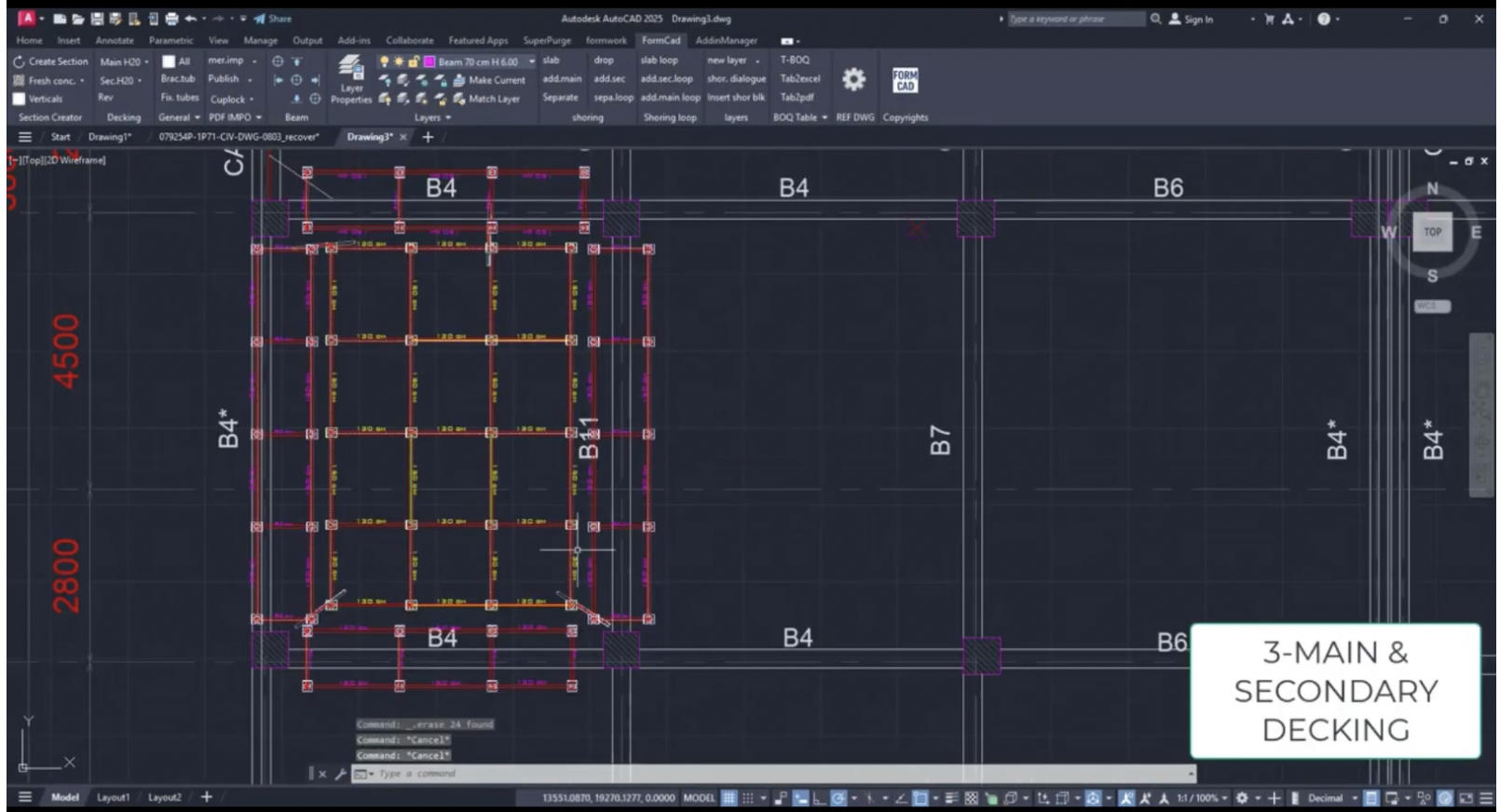
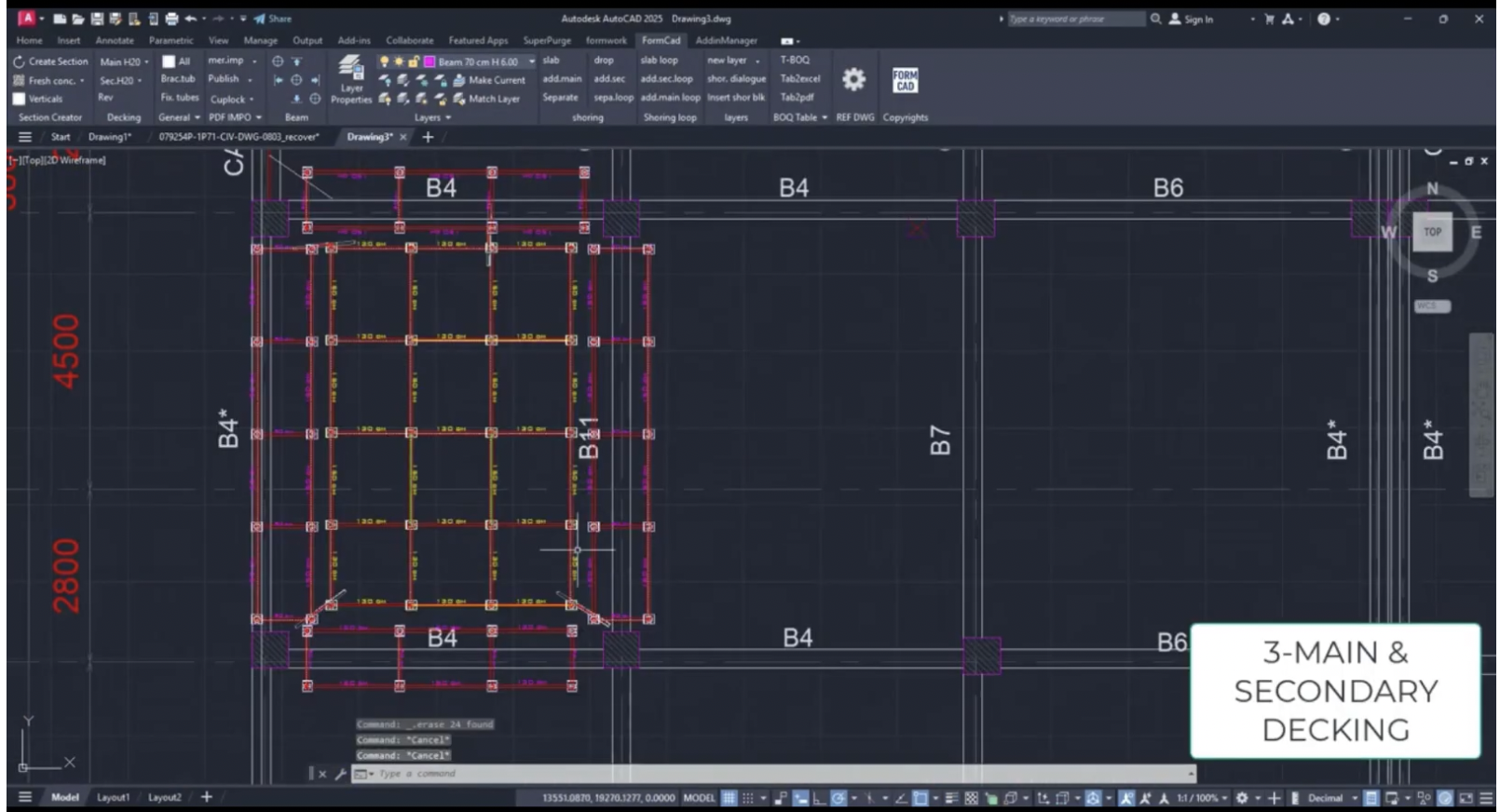
Automatically place main and secondary decking for any system of slab shoring , optimizing decking types and sizes based on available stock while providing intelligent alternatives when required.
Automatically generates slab shoring plans for any modular & frame system (eg.cuplock, ringlock, frames...) in second Instantly creates shoring sections with automatic vertical placement, supporting multiple slabs at once.
Watch how teams use FormCad in real-time, and boost productivity .
Have questions? We'd love to hear from you. Our team is here to help you get started with Clearwave.
Take our word for it — here's what real Features App provide.
dffd.
⭐⭐⭐⭐
fdfd